ChannelMAX – Smart Repricer & Marketplace Tools

Amazon Repricing

Bulit For Long-Term Profit

Serving 20,000+ happy sellers for over 20 years!

Who will Benefit From This Repricer

Wholesale &
Arbitrage Sellers

Win the Amazon Buy Box
without sacrificing margins.

Private Label
Sellers

Optimize pricing even when
you’re the only seller.

Business (B2B)
Sellers

Run separate B2B and B2C
pricing strategies.

High-SKU
Sellers

Automate repricing across
large product catalogs.

Core Repricing Capabilities

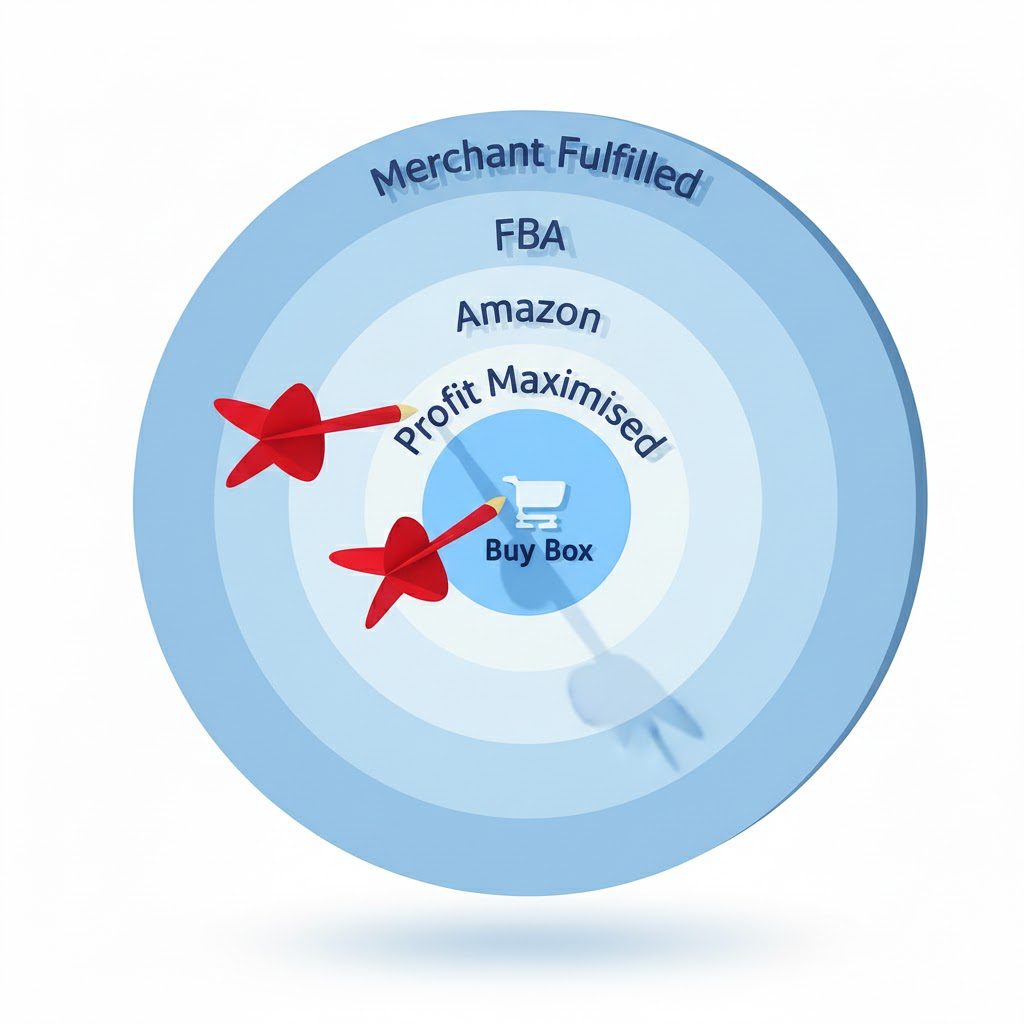
Amazon Buy Box targeting illustration showing profit maximisation and repricing strategy

Win More BuyBox

AI-driven repricing that balances competitiveness with profit protection

Real-Time Reactions

Instant repricing when competitors change prices or BuyBox shifts

AI-powered Amazon repricing analytics dashboard showing pricing trends and performance insights

24/7 Automated Repricing

Continuous monitoring of competitors, BuyBox status, and market changes
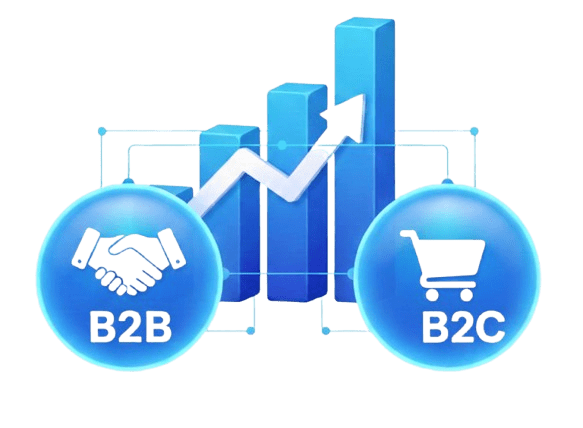
B2B & B2C Control

Separate pricing logic for Amazon Business and retail buyers
Our Additional Repricing Features

Click on an icon to read more

Competitor-Smart Pricing

MAP & Margin Protection

Sales Velocity Optimization

Advanced Business Pricing
Private Label Optimization

Time-Based Price Scheduling

Competitor-Smart Pricing


ChannelMAX adjusts prices based on who you're competing with, not just the lowest price. Amazon evaluates Buy Box eligibility differently for FBA, MFN, Amazon Retail, and Business sellers. ChannelMAX incorporates these distinctions directly into repricing logic.

The system analyzes competitor attributes including fulfillment method, Buy Box eligibility, seller behavior, and price movement patterns to determine optimal pricing aggressiveness for each scenario.

Instead of blindly undercutting every competitor, ChannelMAX adapts strategically: FBA listings can sustain higher prices than MFN offers, while competition against Amazon Retail triggers dynamic adjustments to avoid margin-destroying price wars. This intelligent approach keeps you Buy Box competitive where necessary while protecting margins wherever marketplace rules allow.

MAP & Margin Protection


ChannelMAX safeguards your pricing strategy with dual protections: MAP compliance and margin control. The system enforces manufacturer-defined Minimum Advertised Price thresholds, preventing violations while protecting brand value through continuous monitoring.

Margin protection ensures profitability by setting intelligent price boundaries,defining minimum and maximum selling prices that prevent pricing below cost or outside acceptable profit ranges. This combination lets you stay competitive on Amazon without eroding margins or compromising pricing discipline.

Sales Velocity Optimization


ChannelMAX optimizes pricing based on actual demand, not just competitor activity, crucial for private label, exclusive listings, or SKUs where you're the sole seller.

The system monitors demand signals like sales velocity, revenue trends, and historical performance to identify optimal price points. By analyzing demand against available inventory, ChannelMAX dynamically adjusts prices: raising them when items sell too quickly to boost margins, or lowering them when sales slow to stimulate demand.

This demand-driven approach maximizes total revenue and profitability by aligning pricing with real buyer behavior, not just competitive benchmarks.

Advanced Business Pricing


ChannelMAX enables dedicated Amazon Business (B2B) pricing for sellers targeting bulk buyers with different purchasing behaviors than retail customers.

Manage B2B and B2C pricing simultaneously within one system. Configure quantity-based discounts, order-value tiers, and business-specific pricing rules without affecting retail prices. The platform supports Amazon's business buyer inquiry workflows, streamlining responses to high-volume purchase requests.

By separating B2B pricing logic from retail repricing, ChannelMAX helps you stay competitive in the Amazon Business marketplace while protecting margins across all buyer segments.

Private Label Optimization


ChannelMAX optimizes pricing for exclusive ASINs where you're the sole seller and competitive repricing doesn't apply. Instead of tracking competitors, pricing is driven purely by demand.

The system monitors sales velocity, revenue trends, and historical performance to understand buyer response at different price points. By analyzing demand against inventory levels, ChannelMAX automatically adjusts prices to reach optimal demand-supply equilibrium: increasing prices when items sell faster than expected to boost margins, or lowering them when sales slow to stimulate demand.

This demand-driven approach maximizes revenue and profitability for private label products without sacrificing conversion rates.

Time-Based Price Scheduling


ChannelMAX enables time-sensitive repricing strategies that adapt to demand fluctuations and operational realities throughout the day or week. Define custom rules to raise or hold prices during peak demand periods, or reduce pricing aggressiveness during low-priority windows. This is particularly valuable during weekends, holidays, or when fulfillment capacity is limited.

By aligning pricing behavior with business operations and demand cycles, time-based scheduling helps control inventory flow, protect margins, and avoid unnecessary sales pressure while maintaining competitive positioning on Amazon.
30 day free trial | no credit card needed | cancel anytime

Trusted By Amazon Sellers Worldwide

Check our Amazon Seller Central Page for more reviews.

Let's Get You Set Up

In 6 Simple Steps

Step 1. Import Your Amazon SKUs

Once you register, ChannelMAX automatically imports all your Amazon SKUs, including both FBA and non-FBA listings. FBA SKUs sync automatically every few hours.

To enable auto-sync for non-FBA SKUs, update your settings under Account → Selling Venues → 4(e). SEO signals: Amazon SKUs, FBA, non-FBA, Amazon repricer setup

Step 2. Set Min & Max Prices to Enable Repricing

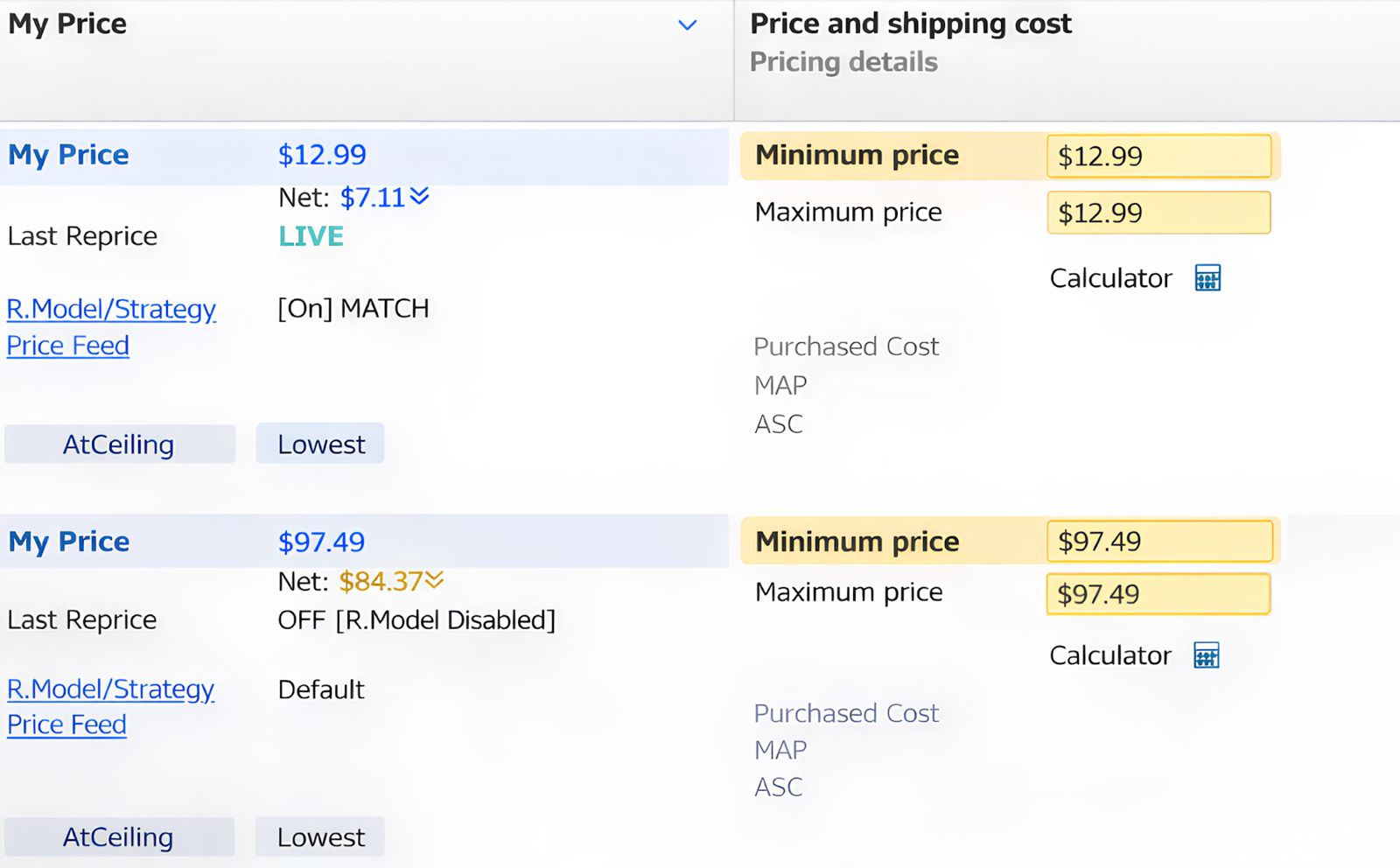
After import, all SKUs will have a blank Min price, while Max defaults to your current Amazon price. ChannelMAX only reprices SKUs with a non-zero Min value. You can choose to set Min and Max manually for selected SKUs, or apply a percentage-based rule by setting Min as an x% discount below your Amazon price. Once actual Min and Max values are entered, they override any percentage-based rule.

Step 3. Update Min & Max Prices in Bulk or Manually

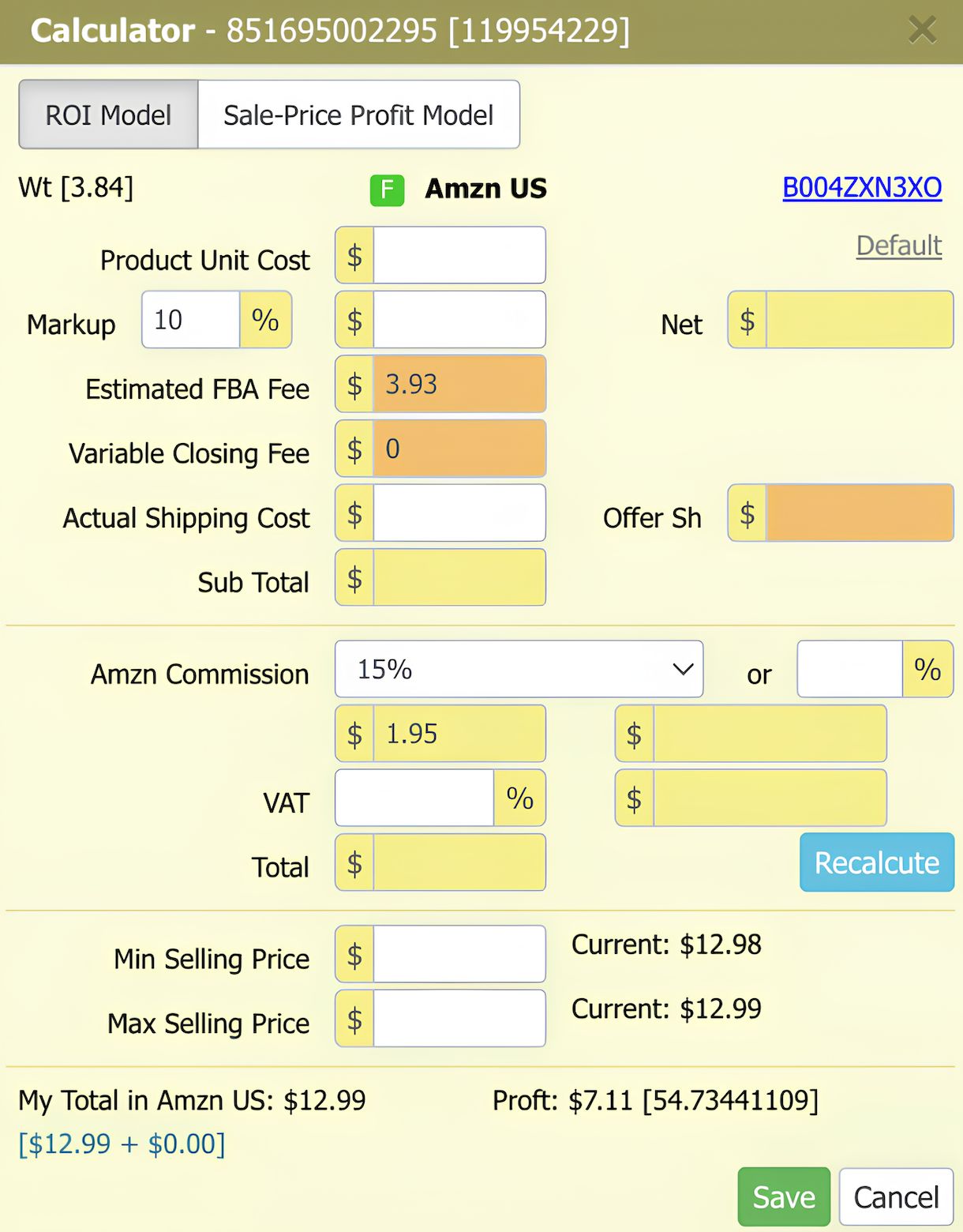
You can set Min and Max prices either manually or via file upload. For bulk updates, upload a tab-delimited file containing SKU, SellingVenue, MinSellingPrice, and MaxSellingPrice. When updating prices manually, ChannelMAX provides a built-in calculator to help determine accurate values.

Step 4. Enable Your Repricing Model

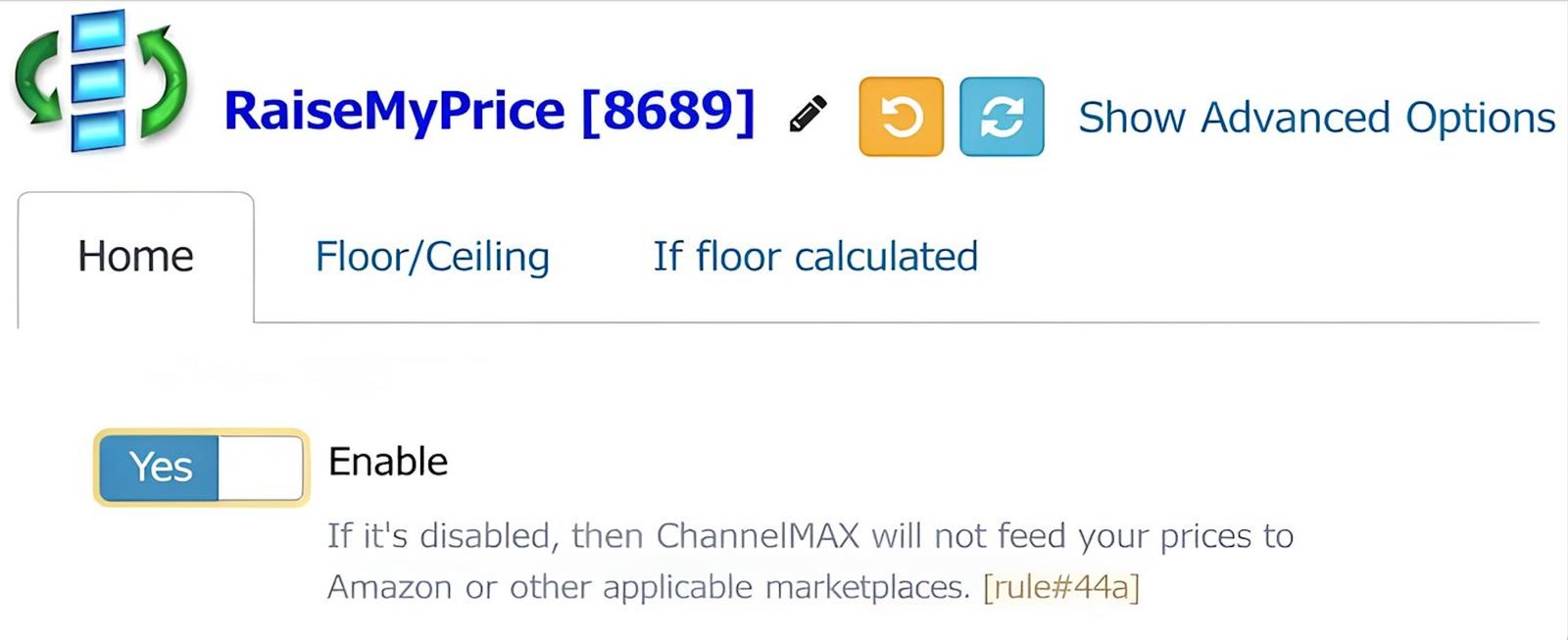
To start repricing, enable your repricing model under Settings → Repricing → Repricing Model. ChannelMAX will begin sending price updates to Amazon only after the model is enabled and only for SKUs with valid Min and Max values.

Step 5. Use Default Algorithmic Repricing Settings

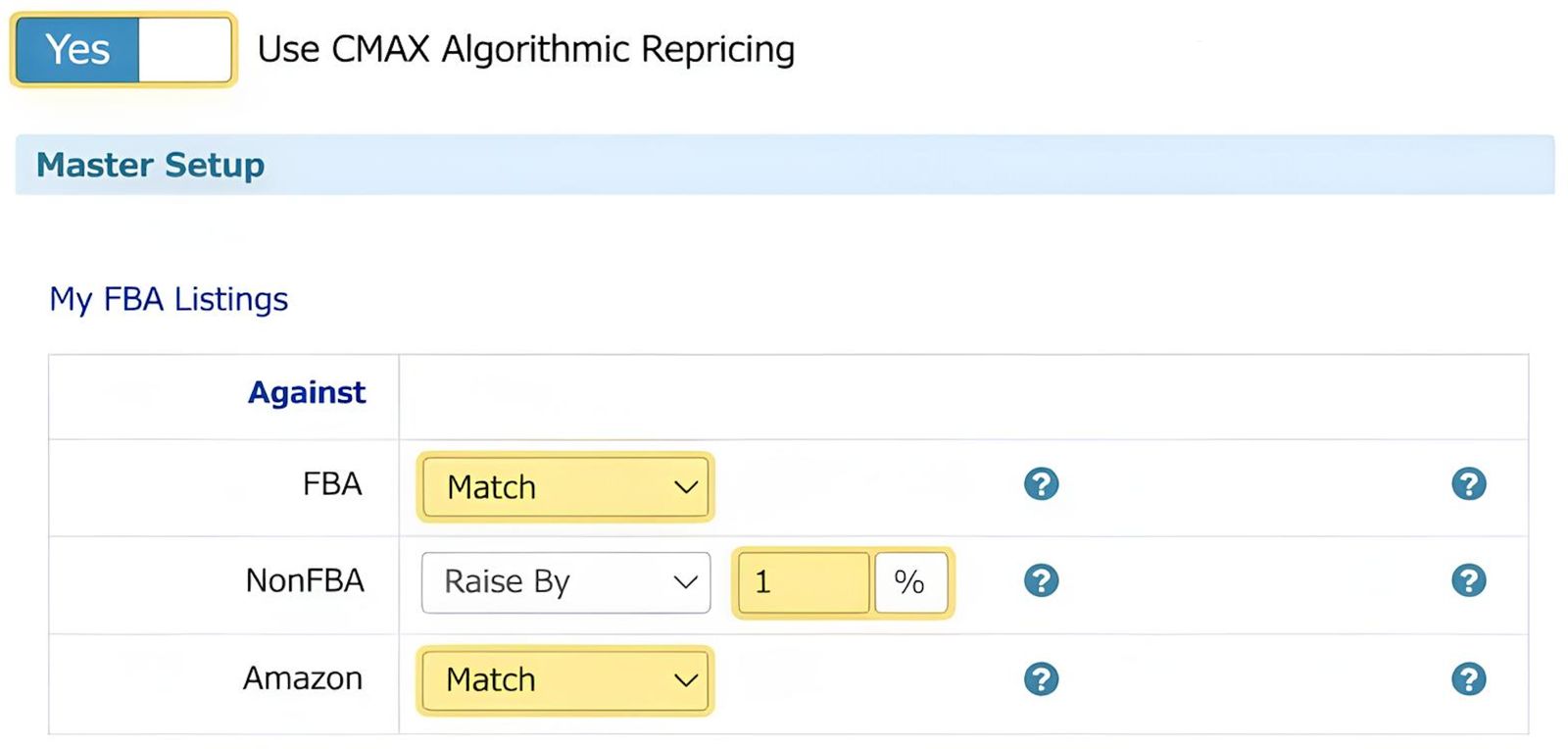
ChannelMAX’s default repricing settings are powered by our algorithm and are optimized to work effectively out of the box. Most sellers can begin repricing immediately without changing any advanced settings.

Step 6. Get Guided Onboarding Support

All new ChannelMAX users receive a complimentary 45-minute phone training session to help set up repricing correctly and get started with confidence.

Let's Get You Set Up

In 6 Simple Steps

Step 1. Import Your Amazon SKUs

Once you register, ChannelMAX automatically imports all your Amazon SKUs, including both FBA and non-FBA listings. FBA SKUs sync automatically every few hours.

To enable auto-sync for non-FBA SKUs, update your settings under Account → Selling Venues → 4(e). SEO signals: Amazon SKUs, FBA, non-FBA, Amazon repricer setup

Step 2. Set Min & Max Prices to Enable Repricing

After import, all SKUs will have a blank Min price, while Max defaults to your current Amazon price. ChannelMAX only reprices SKUs with a non-zero Min value. You can choose to set Min and Max manually for selected SKUs, or apply a percentage-based rule by setting Min as an x% discount below your Amazon price. Once actual Min and Max values are entered, they override any percentage-based rule.

Step 3. Update Min & Max Prices in Bulk or Manually

You can set Min and Max prices either manually or via file upload. For bulk updates, upload a tab-delimited file containing SKU, SellingVenue, MinSellingPrice, and MaxSellingPrice. When updating prices manually, ChannelMAX provides a built-in calculator to help determine accurate values.

Step 4. Enable Your Repricing Model

To start repricing, enable your repricing model under Settings → Repricing → Repricing Model. ChannelMAX will begin sending price updates to Amazon only after the model is enabled and only for SKUs with valid Min and Max values.

Step 5. Use Default Algorithmic Repricing Settings

ChannelMAX’s default repricing settings are powered by our algorithm and are optimized to work effectively out of the box. Most sellers can begin repricing immediately without changing any advanced settings.

Step 6. Get Guided Onboarding Support

All new ChannelMAX users receive a complimentary 45-minute phone training session to help set up repricing correctly and get started with confidence.

30 day free trial | no credit card needed | cancel anytime

Advanced Amazon Repricing Features

Pricing Control

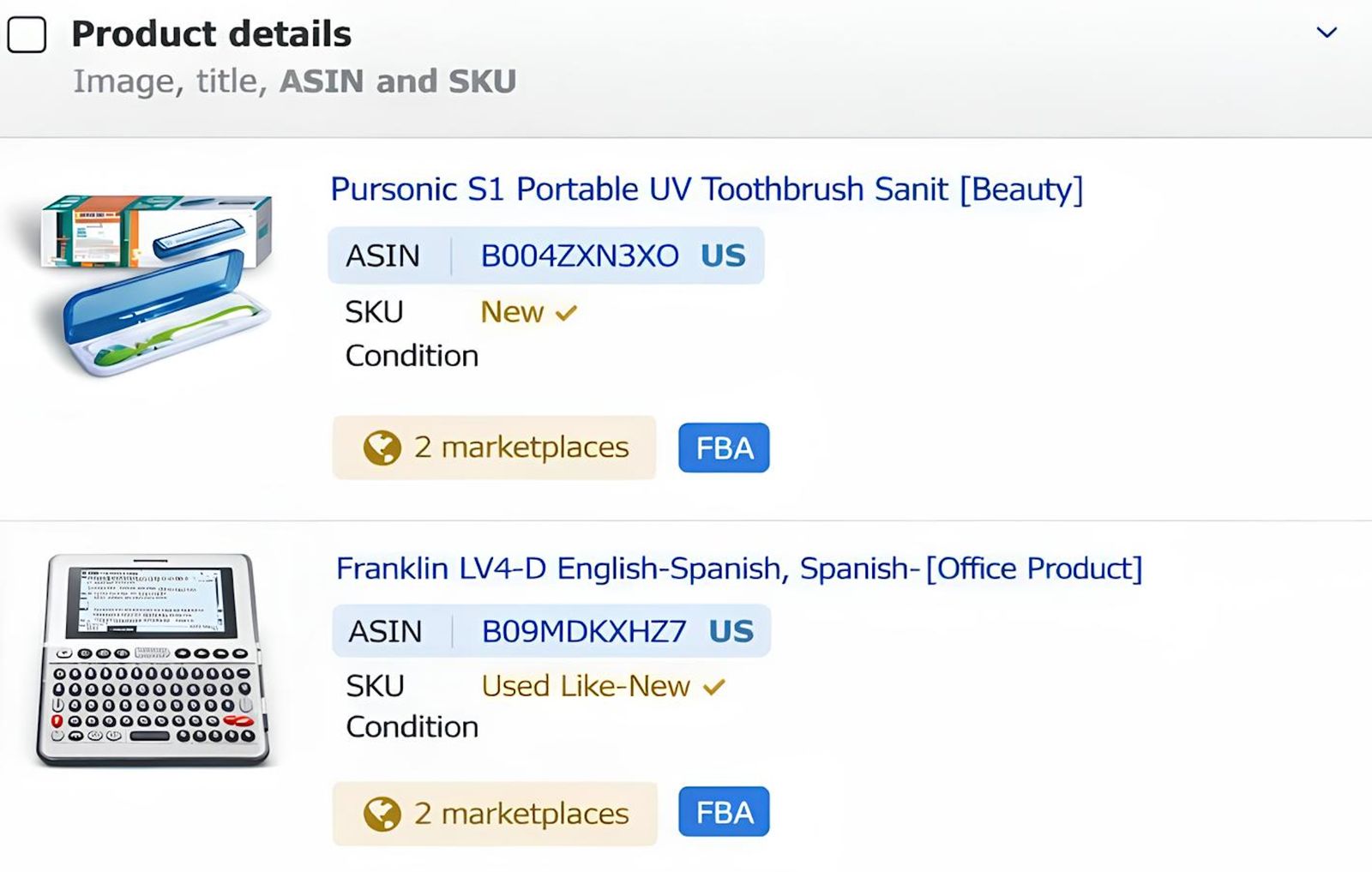
Sellers can define price boundaries to prevent losses, supported by a pricing calculator that accounts for Amazon fees and fulfillment costs.

Different SKUs require different pricing strategies; ChannelMAX allows sellers to assign repricing logic at the SKU level based on demand, inventory, and business goals.
When multiple FBA sellers compete on the same ASIN, ChannelMAX supports healthy Buy Box rotation while continuously testing higher prices to improve margins without triggering price wars.
ChannelMAX maintains logical pricing across related ASINs and bundled listings, preventing larger bundles or related products from undercutting each other.

Competitive Intelligence

ChannelMAX identifies when FBA listings can hold Buy Box at prices higher than MFN offers and maintains the maximum sustainable price gap allowed by Amazon.
ChannelMAX tracks performance trends to highlight SKUs gaining or losing momentum and identifies the small percentage of products driving most revenue.
SKUs are categorized based on pricing competitiveness, helping sellers quickly identify listings that are winning, close to winning, or no longer price viable.

Automation At Scale

ChannelMAX automatically adjusts repricing behavior based on fulfillment type, item condition, and competitor makeup, delivering optimized pricing with minimal setup.
ChannelMAX automatically syncs SKUs, supports FTP-based data exchange and reporting, and allows advanced users to apply custom repricing logic when needed.

Simple & Transparent Prcing

Starts at

$34.99 / month

500 SKUs · Real-time pricing

Join 1000s of Amazon sellers
using ChannelMAX to automate
pricing and grow profitably

Scroll to Top

Get Started with ChannelMax